
Windows speech-to-text field notes
Offline transcription, explained from source to export
Practical workflows for turning meetings, interviews, audio, and video into useful text without sending the source recording to a transcription service.
These guides explain the complete workflow and the decisions behind it. For individual Owl Meeting controls and settings, use the product documentation.
Start here
Seven guides · Updated July 19, 2026
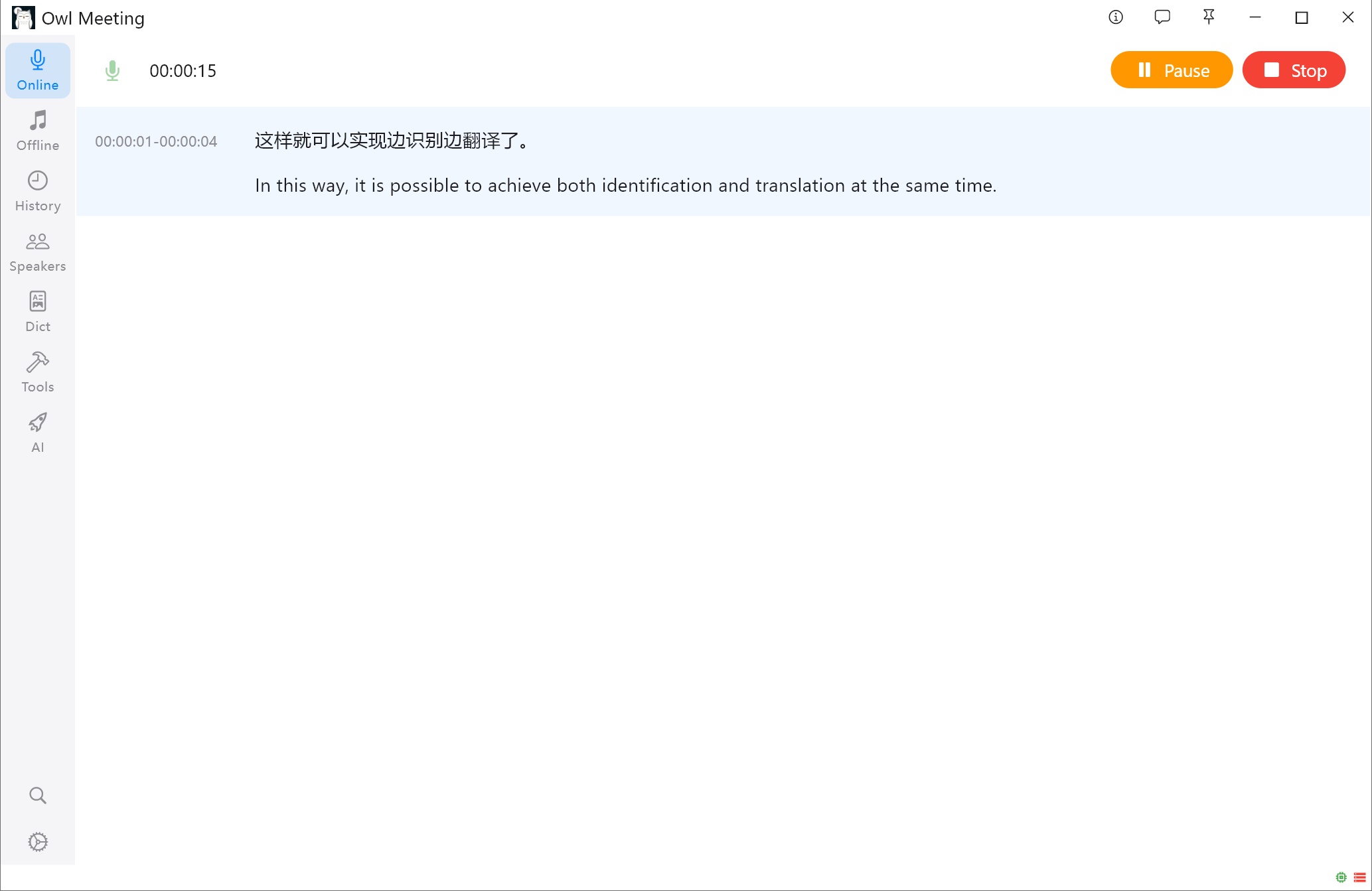
How to Translate Speech in Real Time
Translate multiple source languages into a target language. Low Latency mode translates while you speak.
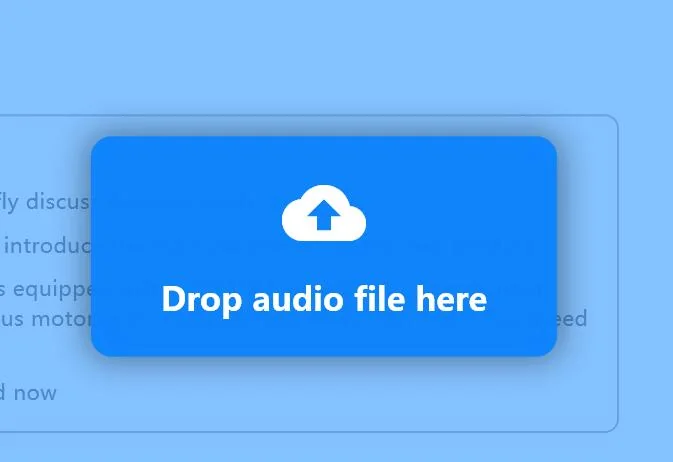
How to transcribe audio and video offline on Windows
Choose a model and segmentation method, process the file locally, correct the result, and export text or subtitles.
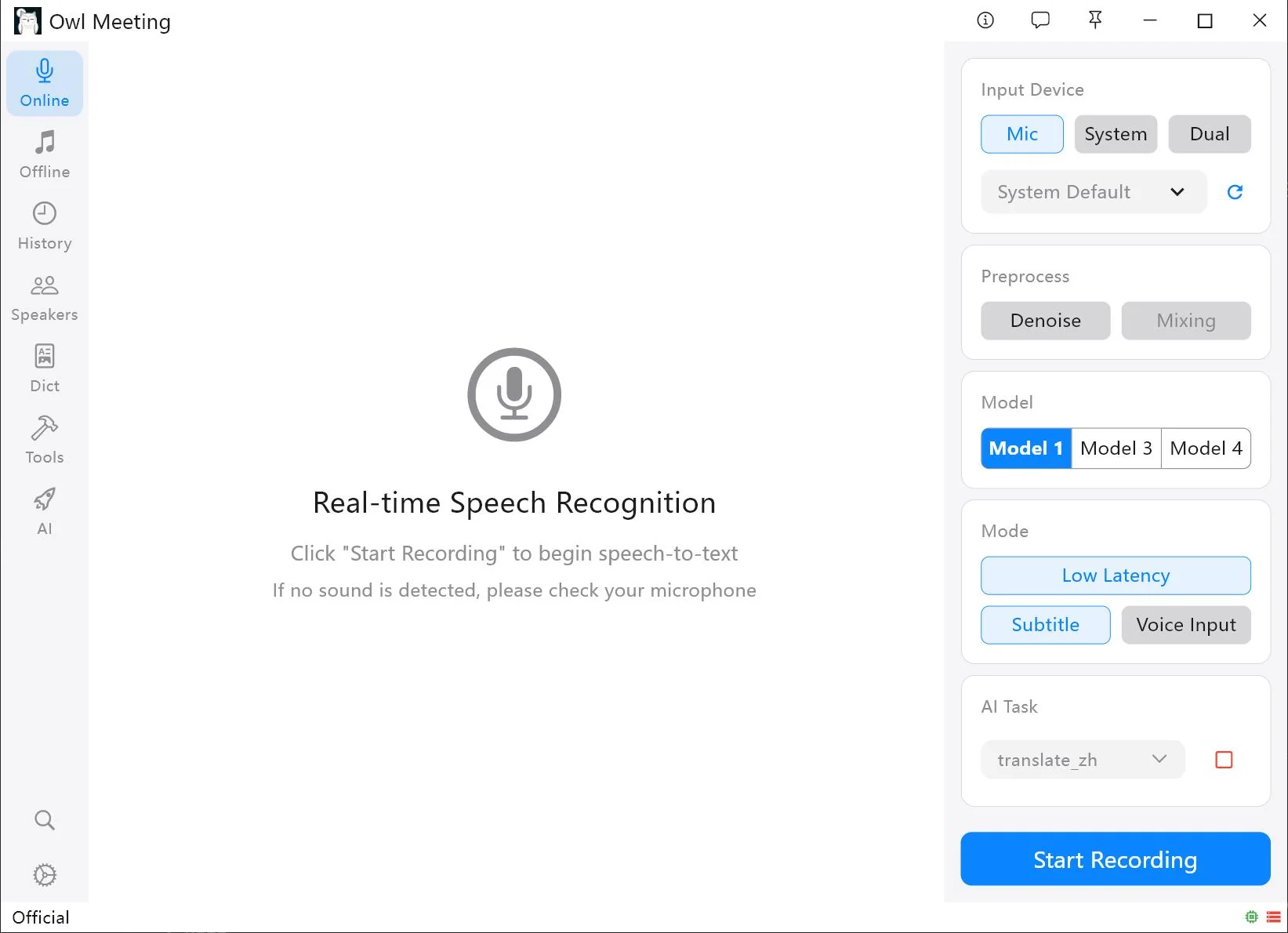
How to transcribe online meetings locally on Windows
Understand microphone, system-audio, and dual-input capture before recording a remote meeting locally.
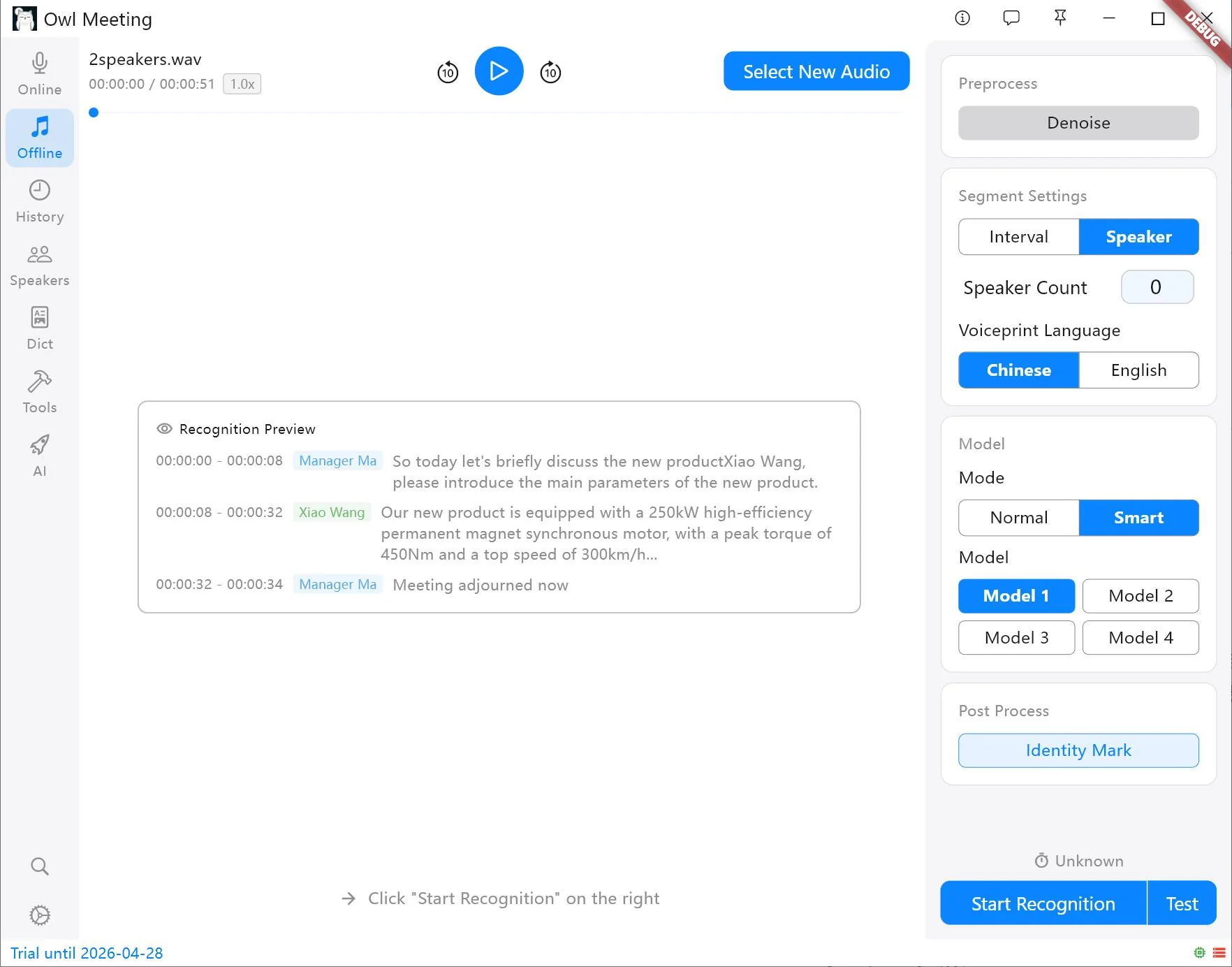
Speaker diarization vs. speaker identification
Learn why separating Speaker 1 from Speaker 2 is different from recognizing those people by name.
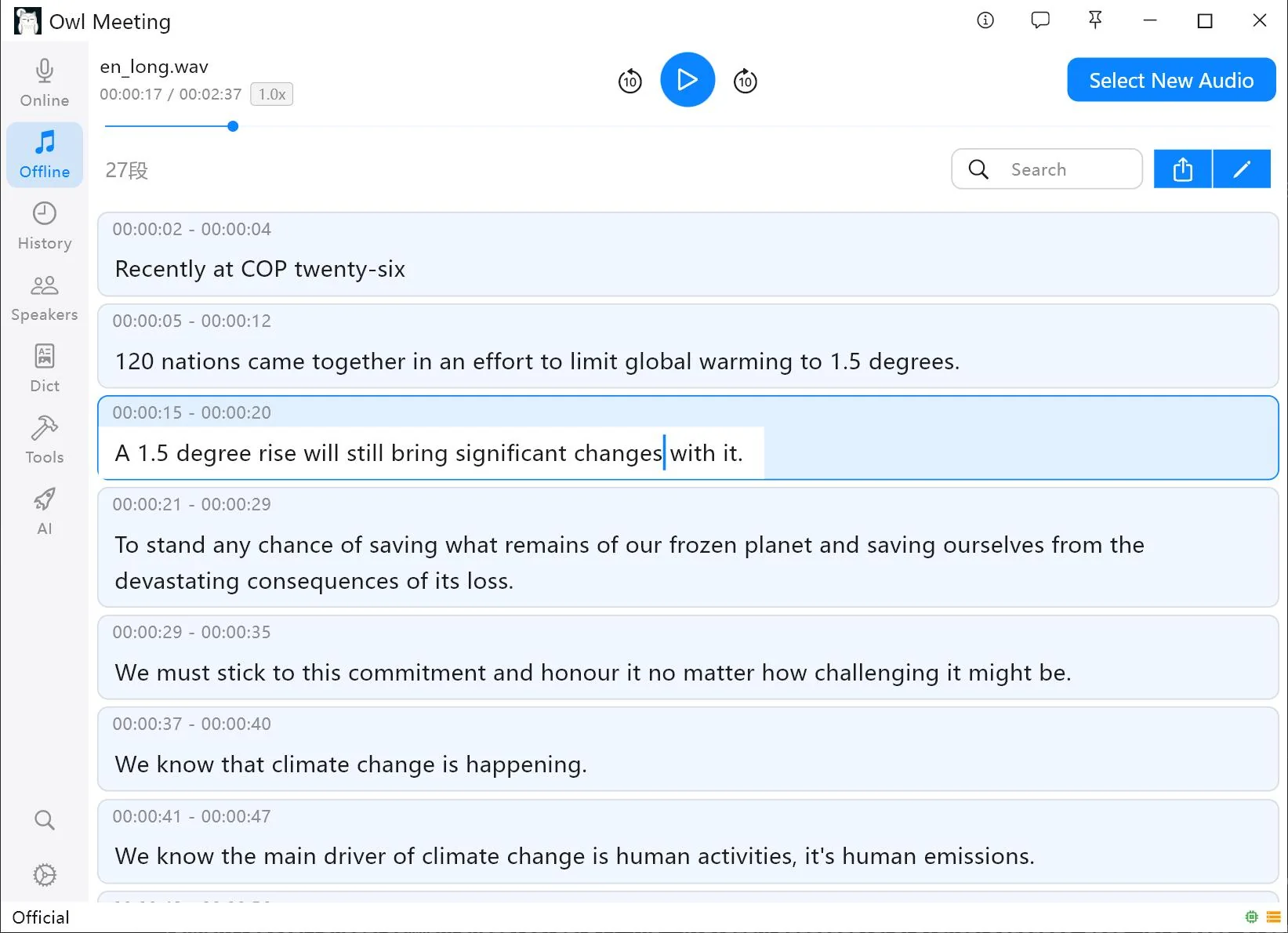
How to turn a meeting recording into SRT on Windows
Transcribe the final media, correct words and speakers, export SRT, and validate timing in the destination player.
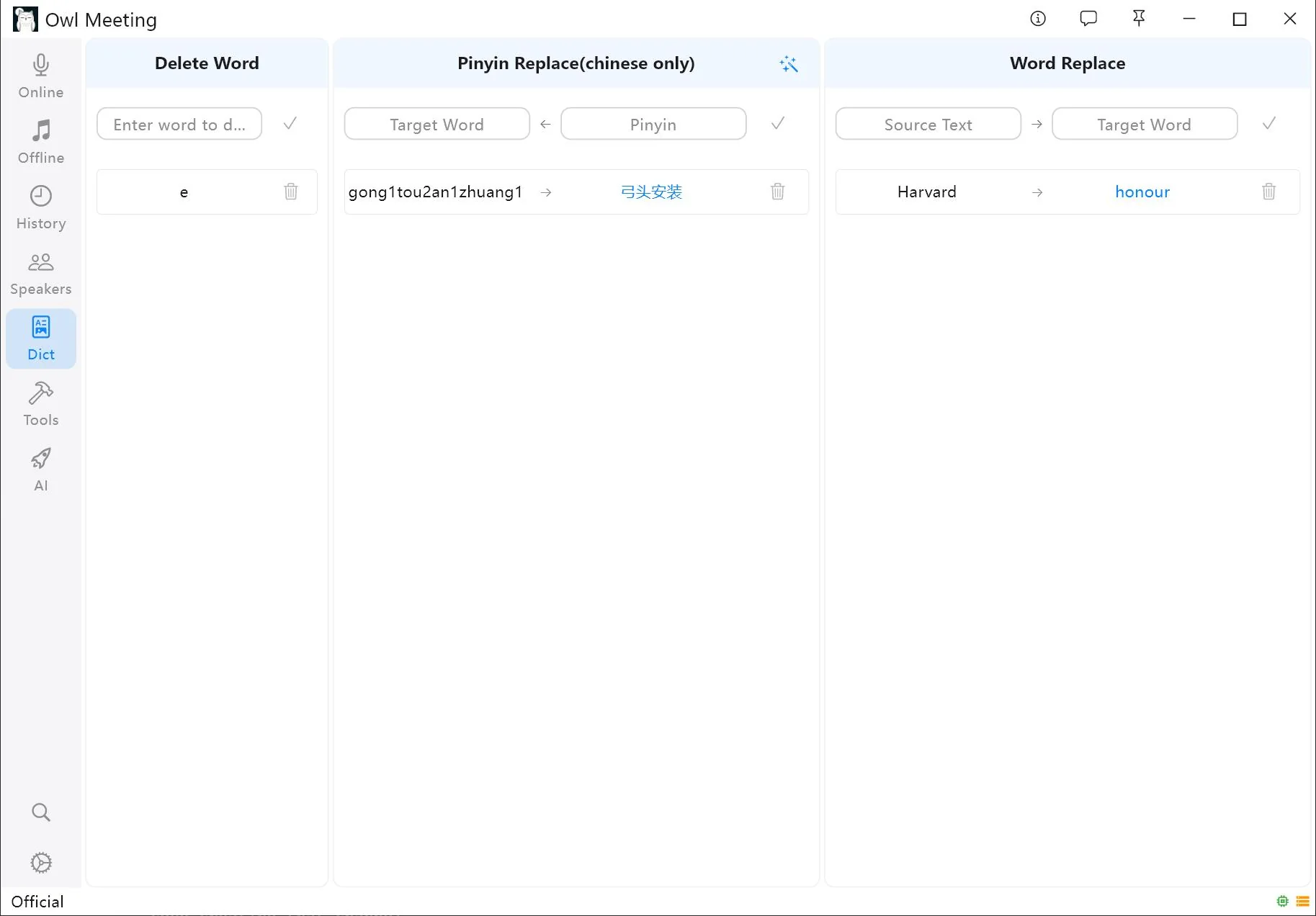
Improve transcription for noise, accents, and jargon
Diagnose the source of errors, compare preprocessing and models, and build a controlled terminology review loop.
Choose an offline speech recognition model on Windows
Compare language support, workflow fit, resources, and reviewed results from your own representative audio.
Need a specific Owl Meeting setting?
The documentation covers model setup, real-time and file transcription, editing, speaker management, custom dictionaries, local AI, search, and data storage.